
Back to Blog
Turning Technician Job Photos and Notes into Marketing with AI
Winston · Head of AI Field Strategy
Most trades businesses already produce marketing material every day and throw it away. Technician job photos and notes sit in a phone gallery or a field-service app, never to be seen again. The before-and-after of a re-piped bathroom, the tidy new panel, the furnace swap in a tight crawlspace: that is exactly what a prospective customer wants to see. AI makes it practical to turn it into content without hiring a marketing person, as long as you handle consent and accuracy carefully.
This post is part of our practical AI guide for trades shops series. It focuses on one habit that pays off across your profile, website, and social channels.
What Counts as Good Raw Material?
- Before and after photos. Same angle, decent light, nothing personal in frame.
- Short tech notes. What the problem was, what was done, anything unusual, in the tech's own words.
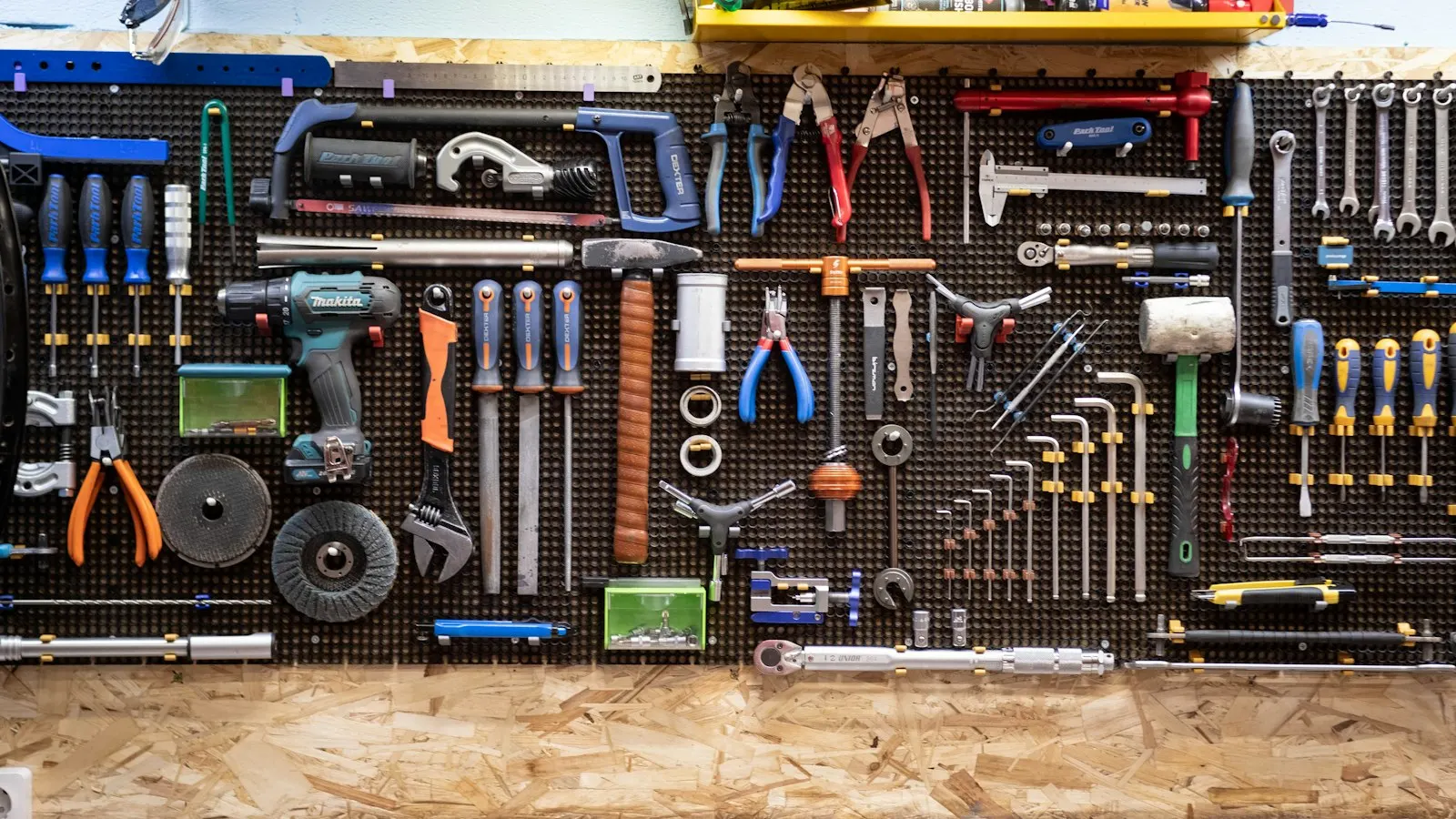
- Process shots. A clean panel label, a neat gas line connection, a properly supported pipe run. These show craftsmanship.
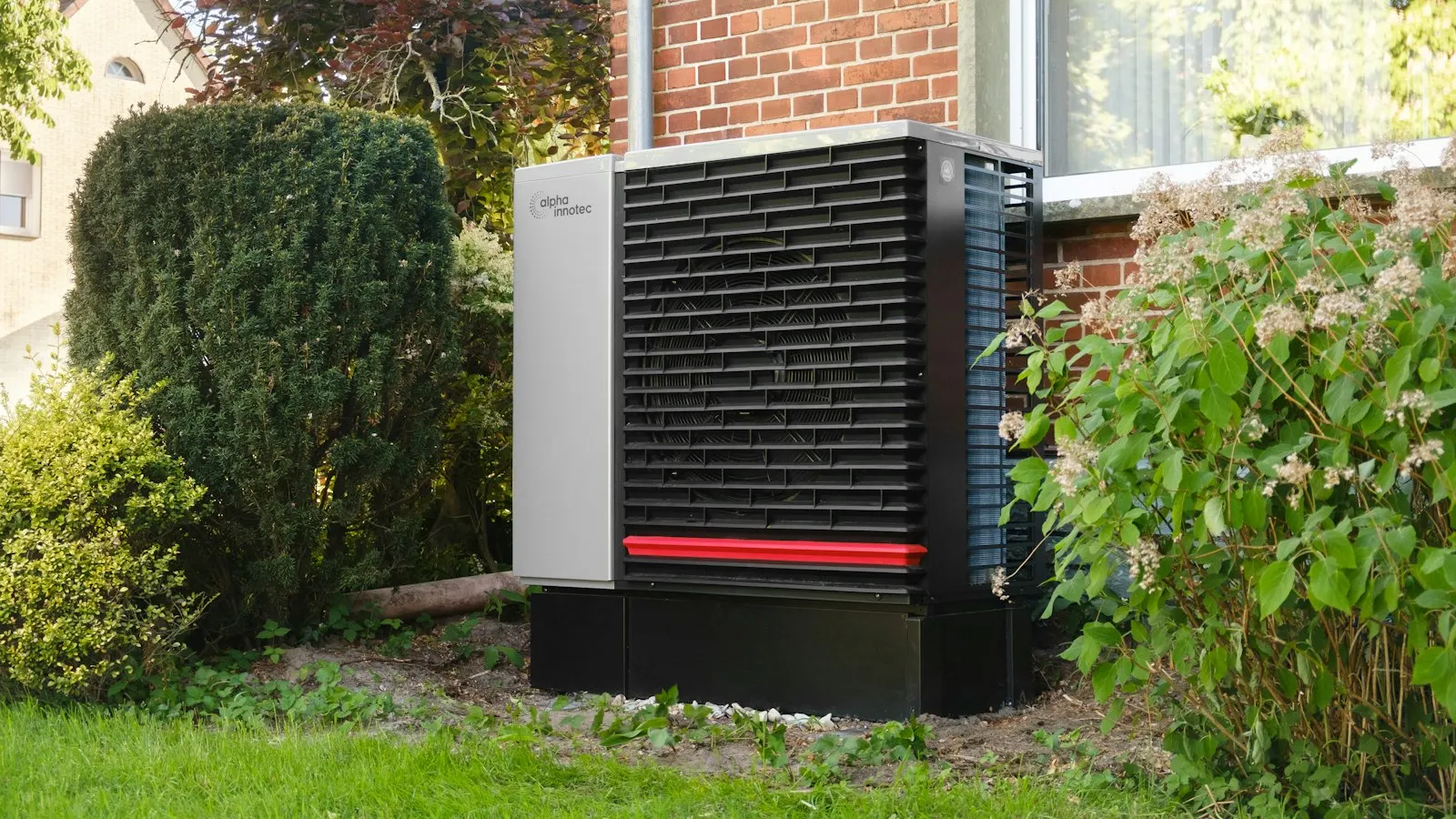
- Equipment details. The make and model installed, when the customer is fine with it being shared.
The notes matter as much as the photos. A photo says what it looks like. The note says why it mattered.
Get Customer Permission First
This is the step to get right before anything else. Customers' homes are private. Before you post a job:
- Ask permission to use photos of the work, ideally in writing. A line on your work order or a quick text reply can serve as a record. Ask your attorney what language works best for your business.
- Leave out street addresses. A city or neighborhood is plenty, for example "a kitchen repipe in Oregon City."
- Keep faces, family photos, mail, license plates, and house numbers out of frame, or crop and blur them.
- Honor a no. If someone declines or later asks you to take a post down, do it.
Do not paste customer names, addresses, or phone numbers into a public AI tool to get a draft. Describe the job generically. Our responsible AI use checklist covers what is safe to share with these tools.
A Simple Workflow From the Field to the Feed
- The tech captures. Two to four photos and two or three lines of notes, right at job completion. Make it part of closing out the ticket.
- Someone checks permission. One person in the office confirms the customer said yes.
- AI drafts. Feed it the notes with identifying details removed. Ask for a short Google post, a project description, and a social caption.
- A human edits. Fix anything inaccurate, cut anything that sounds like hype, and make sure the tone is yours.
- Publish in more than one place. The same job can become a profile post, a project page, and a social post, each trimmed to fit.
Where Does Each Piece Go?
Google Business Profile posts
Short and concrete: the problem, the fix, the town. Fresh photos and posts show customers you are active. See our guide to what AI can keep updated on your Google profile.
Project pages on your website
A running gallery of real work, organized by service. Each entry can link to the matching service page and your service area pages. These pages give search engines and AI assistants specific evidence of what you do.
Social posts
Before-and-afters perform well on Facebook and Instagram, and a short video walkthrough can too. Our Social Media Content Engine is built around exactly this kind of real-job content.
Review requests
A finished-job photo can accompany a thank-you text with a review link. See getting more five-star reviews after every service call.
What AI Should Not Do Here
- Invent details. If the note does not say the pipe was corroded, the post should not either. AI fills gaps with plausible fiction, so read every sentence.
- Make claims you cannot support. Words like "best," "guaranteed," or "code compliant" need real backing. Stick to what was done.
- Edit photos to mislead. Cleaning up lighting is fine. Altering the work is not.
- Publish without a human. Every post goes through a person.
How Do You Get Technicians to Take the Photos?
This is where most programs die. Techs are busy, and a request that feels like extra paperwork gets skipped. A few things help:
- Keep the ask tiny. Two photos and two lines. Nobody needs a photo shoot.
- Show them the result. When a tech's job becomes a post or a review mention, tell them. Credit the tech by first name, with their okay.
- Use the phone they already carry. If your field-service app lets them attach photos to the job, use that instead of a new tool.
- Teach one habit: wipe the lens, step back, and shoot the same angle before and after.
A short voice note converted to text also works well for the notes. A tech can talk through the job in thirty seconds while cleaning up, and an AI assistant can tidy the transcript into clean sentences that the tech then glances over for accuracy.
Make It Stick
The process fails when it depends on someone remembering. Tie it to something that already happens: closing a ticket in Jobber, Housecall Pro, or ServiceTitan, or the end-of-day text from the tech. Give one person ownership of the weekly batch, and keep it small. Three solid posts a week from real jobs beats a burst of effort that dies in a month.
We build this loop for clients, and the HVAC, plumber, and electrician systems connect it to the rest of your lead flow. Get in touch to talk about setting it up.
Related Reading
AI for the Trades Series
- AI for Plumbers, Electricians, and HVAC Companies: The Practical Guide
- Every Missed Call Is a Job for Your Competitor: AI Call Answering for the Trades
- What an AI Receptionist Can and Can't Handle for a Plumbing Company
- How HVAC Companies Use AI to Handle the First Heat Wave and the First Cold Snap
- Electricians: Using AI to Book More Panel Upgrades and EV Charger Installs
- After-Hours Emergencies: How AI Triage Separates a Burst Pipe from a Dripping Faucet
- Google Business Profile for Plumbers, Electricians, and HVAC: What AI Can Keep Updated
- Getting More Five-Star Reviews After Every Service Call, Automatically
- Faster Quotes Win Jobs: Using AI to Draft Estimates for Contractors
- The Money Sitting in Unsold Estimates: AI Follow-Up for Contractors
- AI Scheduling and Dispatch for Small Trade Shops: What's Real Today
- Filling the Shoulder Season: AI Reminders for HVAC Maintenance Plans
- When a Homeowner Asks ChatGPT for a Plumber, Who Gets Named?
- Service Area Pages That Actually Rank: Local SEO for Trades Across Portland Metro
- Turning Technician Job Photos and Notes into Marketing with AI
- Social Media for the Trades Without the Time Sink
- On-My-Way Texts, Reminders, and Follow-Ups: AI Text Messaging for Service Businesses
- Hiring Technicians Is Hard. Here's Where AI Helps (and Where It Shouldn't)
- A Website Chat Assistant That Answers Homeowner Questions at 10 PM
- ChatGPT for the Trades Office: Prompts That Save Real Time
- A Year-Round Marketing Calendar for Oregon Trades, Built with AI
- From Repair Call to Replacement Job, Honestly: AI Follow-Up for Water Heaters and Furnaces
- Your Cheapest Leads Are Past Customers: AI Reactivation for Trades
- Heat Pump Questions Are Everywhere in Oregon. Here's How to Answer Them Online
- Seven AI Mistakes Home Service Businesses Make (and How to Avoid Them)
Ready to Grow Your Business Online?
The Thomas David Jacob team works with businesses across Oregon City, Portland, and the greater metro area. Let's talk about what we can do for yours.
Get a Free Consultation